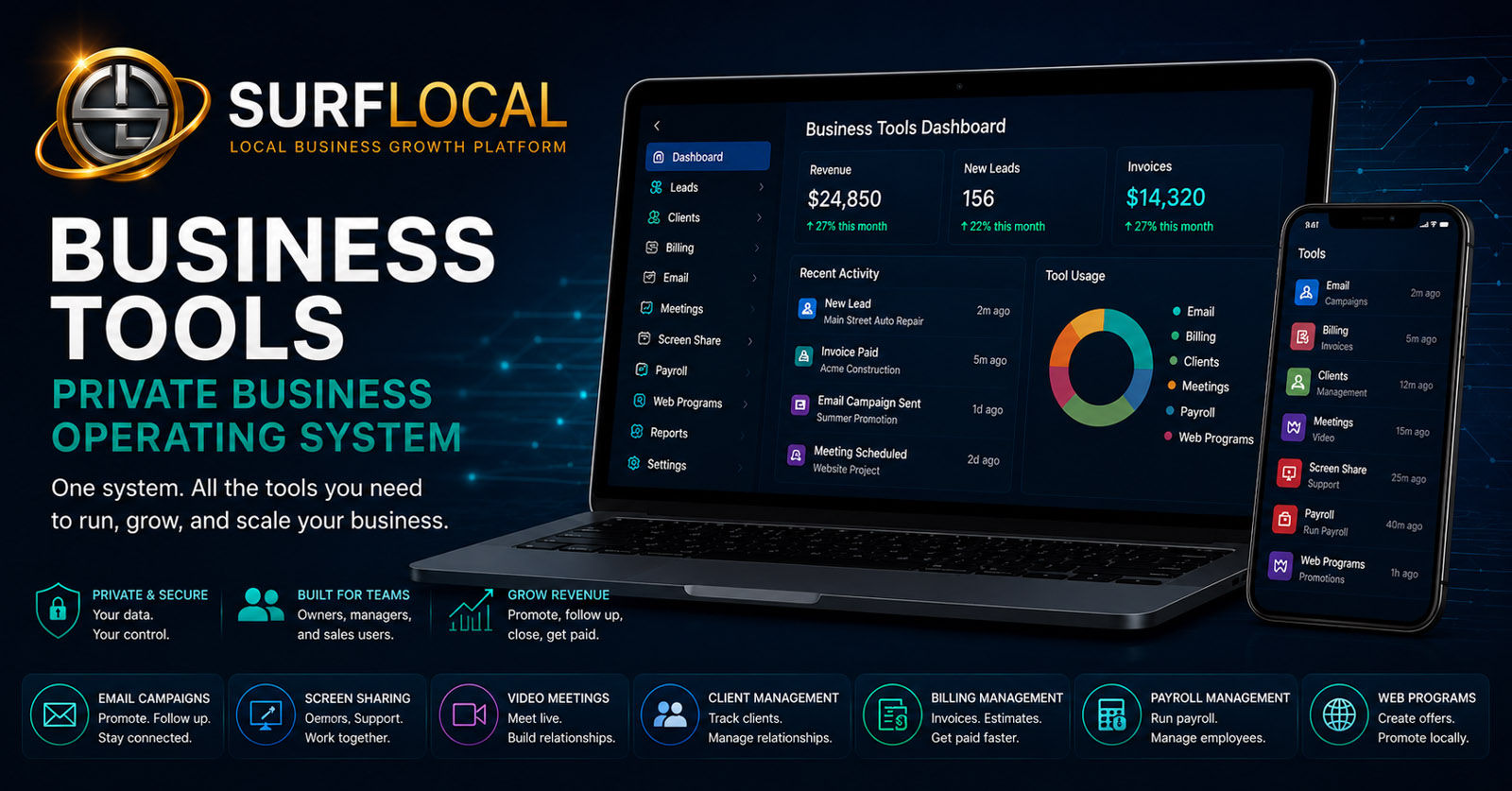
Private Business Tools · Built Around Your Operation
One business system. Choose the tools that actually move your work forward.
Start with the private Business Tools Dashboard, then add communication, lead, client, billing, payroll-record, meeting, screen-sharing, and web-program tools as your operation needs them. The goal is not more software. It is a cleaner way to keep customers, team activity, follow-up, billing, and daily work connected.
Core Dashboard: $0/moThe required starting point for every Business Tools account
1 Owner · 2 Managers · 3 Sales UsersIncluded team structure stated by the current system
Bundle Savings Up to 20%Discounts apply as more paid add-ons are selected
Add-ons are billed monthly according to the current prices shown below. Additional manager and sales-user seats can be added separately under the current Business Tools structure.
Why this works
Business Tools is designed around the way work moves through a business.
The system is easier to understand as three connected layers: control the account, organize the customer workflow, then support delivery and back-office work.
1
Control the operation
Start with the Dashboard and owner-level structure. Define managers, sales users, and the tools each group actually needs.
2
Move customer relationships forward
Use Web Programs, Lead Management, Email Campaigns, Client Management, meetings, and screen sharing as the relationship develops.
3
Finish the work cleanly
Connect billing, payroll records, project/task workflow, and team structure so customer work has a clear operational path after the sale.
Role-based structure
One account, different responsibilities.
The system is built around an owner, managers, and sales/customer-facing users. The goal is to give each role useful access without forcing every person into the same tools or permissions.
Owner
Maintains account-level control, decides which tools are active, manages the subscription, and sets the overall operating structure.
Managers
Support oversight, customer work, billing, projects, payroll-record workflows, or sales activity according to the access the owner assigns.
Sales & Customer-Facing Users
Work leads, clients, email, meetings, screen sharing, Web Programs, and follow-up tools without automatically receiving full account control.
Build your system
Select the tools your business needs now.
Click a card to add or remove that paid tool. The Dashboard stays selected because it is the core account foundation. Your estimated monthly total updates automatically, including the current bundle discount.
9 current priced tools · live monthly estimate
Business Tools Dashboard
CoreThe private account foundation for owner control, users, enabled tools, subscription management, and one launch point for the system.
- 1 owner, 2 managers, and 3 sales users included under the current system structure
- Activate, upgrade, downgrade, or remove selected tools
- Central launcher for active Business Tools
$0/moRequired foundation

Email Campaigns
CommunicationCustomer follow-up, promotions, reminders, newsletters, updates, and reactivation campaigns from the Business Tools workflow.
- Individual or broader campaign messages
- Lead and customer follow-up
- Promotions, reminders, newsletters, and reactivation
$39/moPer month

Screen Sharing
Live GuidanceLive demos, guided setup, customer walkthroughs, troubleshooting, training, and review sessions.
- Private screen-sharing sessions
- Demos, onboarding, support, and training
- Review websites, forms, estimates, reports, and dashboards live
$29/moPer month

Video Meetings
MeetingsClient consultations, onboarding, sales presentations, customer reviews, support sessions, and team meetings.
- Private video meeting rooms
- Up to 9 people per current source description
- Consultations, onboarding, reviews, sales, and support
$39/moPer month

Payroll Management
Back OfficeEmployee records, onboarding documents, payroll-run records, withholding settings, saved snapshots, and payroll history.
- Employee payroll records and status
- W-4, I-9, and direct-deposit document workflow
- Saved payroll-run records, history, and audit tracking
$99/moPer month
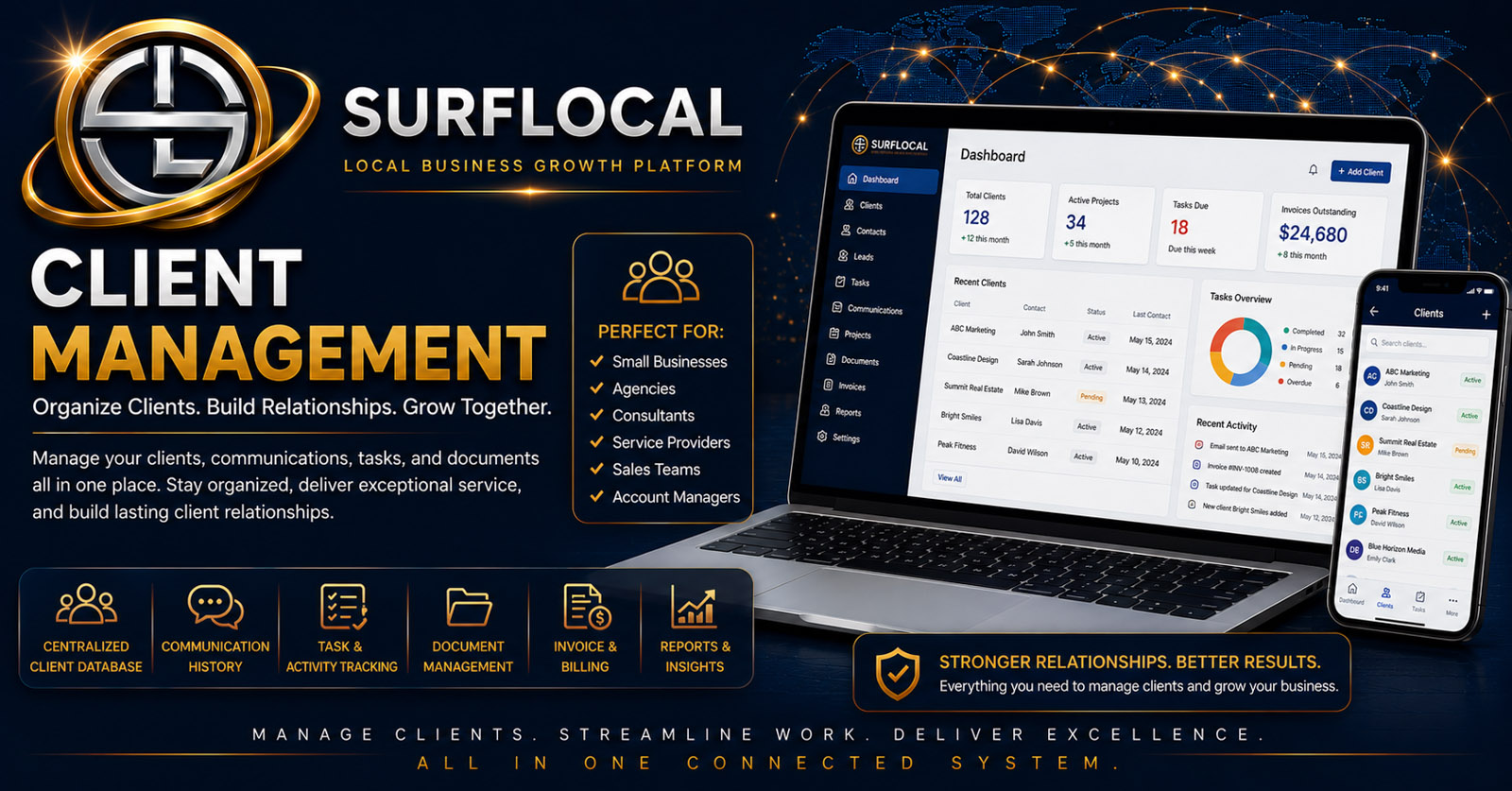
Client Management
CustomerA structured home for client details, status, notes, files, folders, documents, images, and relationship activity.
- Client records, notes, and status
- Files, folders, documents, and images
- Follow-up activity and account oversight
$69/moPer month

Billing Management
BillingQuick bills, estimates, invoices, saved drafts, review links, email delivery, status tracking, and billing history.
- Create estimates, invoices, quick bills, and bids
- Client review links and document delivery
- Draft, sent, viewed, approved, paid, overdue, and history tracking
$79/moPer month
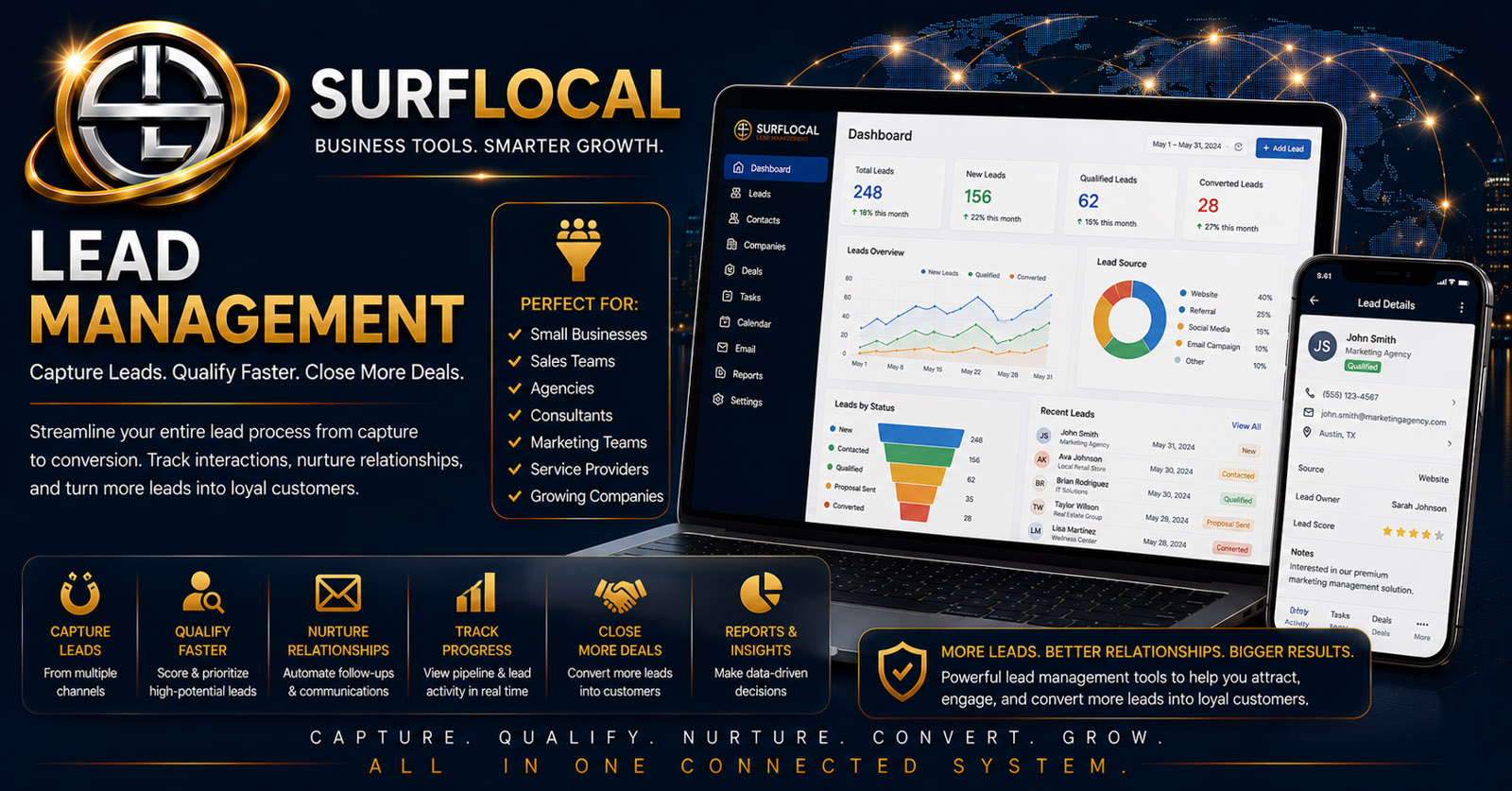
Lead Management
SalesCapture, assign, search, organize, follow up, close, archive, and review lead activity with owner visibility.
- Central lead inbox
- Owner, manager, or salesperson routing
- Status, notes, source details, search, and history
$79/moPer month

Web Programs
CampaignsStandalone promotional and lead-generation pages for offers, coupons, campaigns, announcements, QR codes, and salesperson outreach.
- Custom promotional and lead-generation pages
- Images, headlines, offers, CTAs, social previews, SEO structure
- Built-in forms, spam protection, QR codes, and lead routing
$59/moPer month
Your selected tool stack
The Dashboard stays included. Select or remove paid tools above and this list will update automatically.
Selected: Business Tools Dashboard
Current bundle discounts are calculated only on paid add-ons. The base Dashboard remains $0/month.
Estimated monthly total
Live estimate based on the tools selected above.
Business Tools Dashboard
$0/mo
Estimated monthly total
$0/mo
Secure checkout · You will continue to the existing Business Tools account setup flow.
Beyond the priced stack
Explore the workflow pages that explain how the system fits together.
These pages help you understand project, task, team, and system architecture. They are not added to the selectable price stack unless the marketplace establishes a current selectable price/code for them.
Projects & daily work
Understand the difference between larger project workflow and individual next-step management.
Team & access
See how owner control, manager oversight, sales-user access, and shared workflow fit together.
Understand the architecture
Use the overview for a quick map, the detailed guide for pricing and seats, and the private operating system page for architecture.
Want help choosing the right Business Tools stack?
Tell SurfLocal Media how your business is structured, which workflows are scattered today, and what you want to improve first. Your selected tool codes are included automatically with the request.