01
Keep owner-level control
Give the business owner a clear account-level view instead of spreading important system decisions across separate tools and unrelated logins.
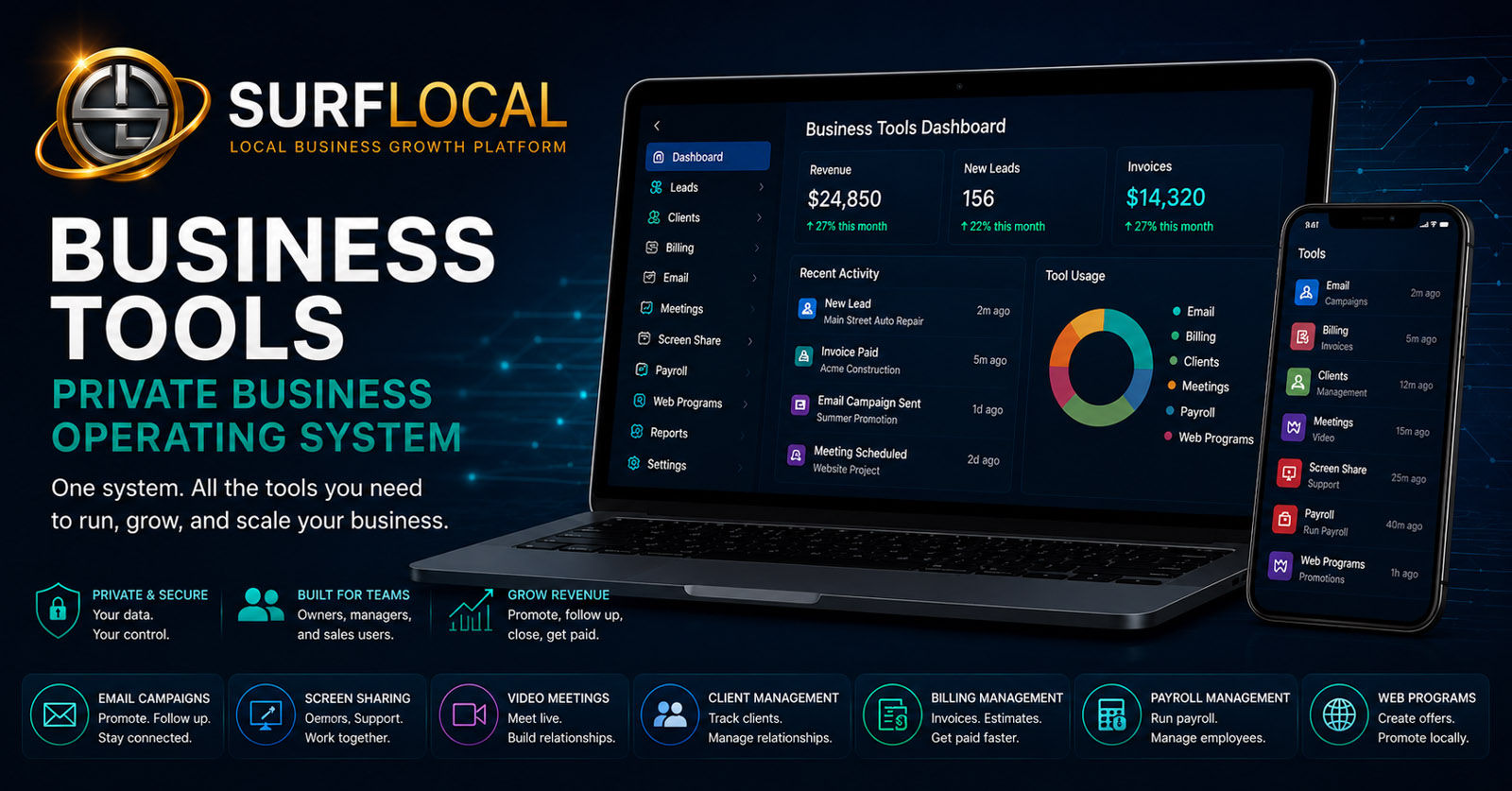
The SurfLocal Media Owner Dashboard is the private starting point for every Business Tools account. Use it to organize account structure, plan user access, launch enabled tools, and keep the system understandable as the business adds more capability.
The dashboard is not another paid add-on competing for attention. It is the base control layer that gives the owner a consistent place to see the account structure and reach the tools that have been enabled for the business.
Give the business owner a clear account-level view instead of spreading important system decisions across separate tools and unrelated logins.
Plan which managers and sales users need access to the system and which responsibilities belong at each level.
Start with the dashboard, then activate communication, lead, client, billing, payroll, meeting, and web tools only when they fit the business workflow.
Create the Business Tools account foundation and establish the owner-level control point.
Identify managers, sales users, and the people who need access to specific parts of the operation.
Choose the lead, client, billing, communication, meeting, payroll, or web tools that match the current workflow.
Add, remove, or reorganize tools and access as the account becomes more sophisticated.
Use one private account foundation as the entry point for the Business Tools enabled for the organization.
Plan owner, manager, and sales-user access around actual responsibility instead of giving everybody the same level of control.
Use the dashboard as the foundation for adding communication, customer, billing, payroll, meeting, and web tools.
Give users a clearer path to the Business Tools available to their account instead of forcing them to remember separate destinations.
Keep owner-level decisions about the tool stack and system structure connected to the broader business account.
Begin with a simple account and expand the system as the business adds users, customers, workflows, and operational needs.
The owner is the account-level control point for the Business Tools system and the person responsible for overall structure and direction.
Managers can be given access appropriate to operational oversight, customer work, billing, communication, or other assigned responsibilities.
Sales users can work from a more focused set of tools without automatically receiving the same account-level control as the owner.
The Owner Dashboard is the base Business Tools account foundation. Additional tools can carry their own monthly prices when enabled.
Build My Business Tools StackTell us how the company is structured, who needs access, and which workflows matter first. The account can start small and expand as the need becomes clearer.
Tell us how your business is structured, who needs access, and which Business Tools should be available first. The original form field names, routing, mail handling, lead-board save, honeypot, and math check remain intact.