01
Capture the next step
Turn calls, emails, meetings, customer requests, project updates, and internal notes into visible work instead of relying on memory.
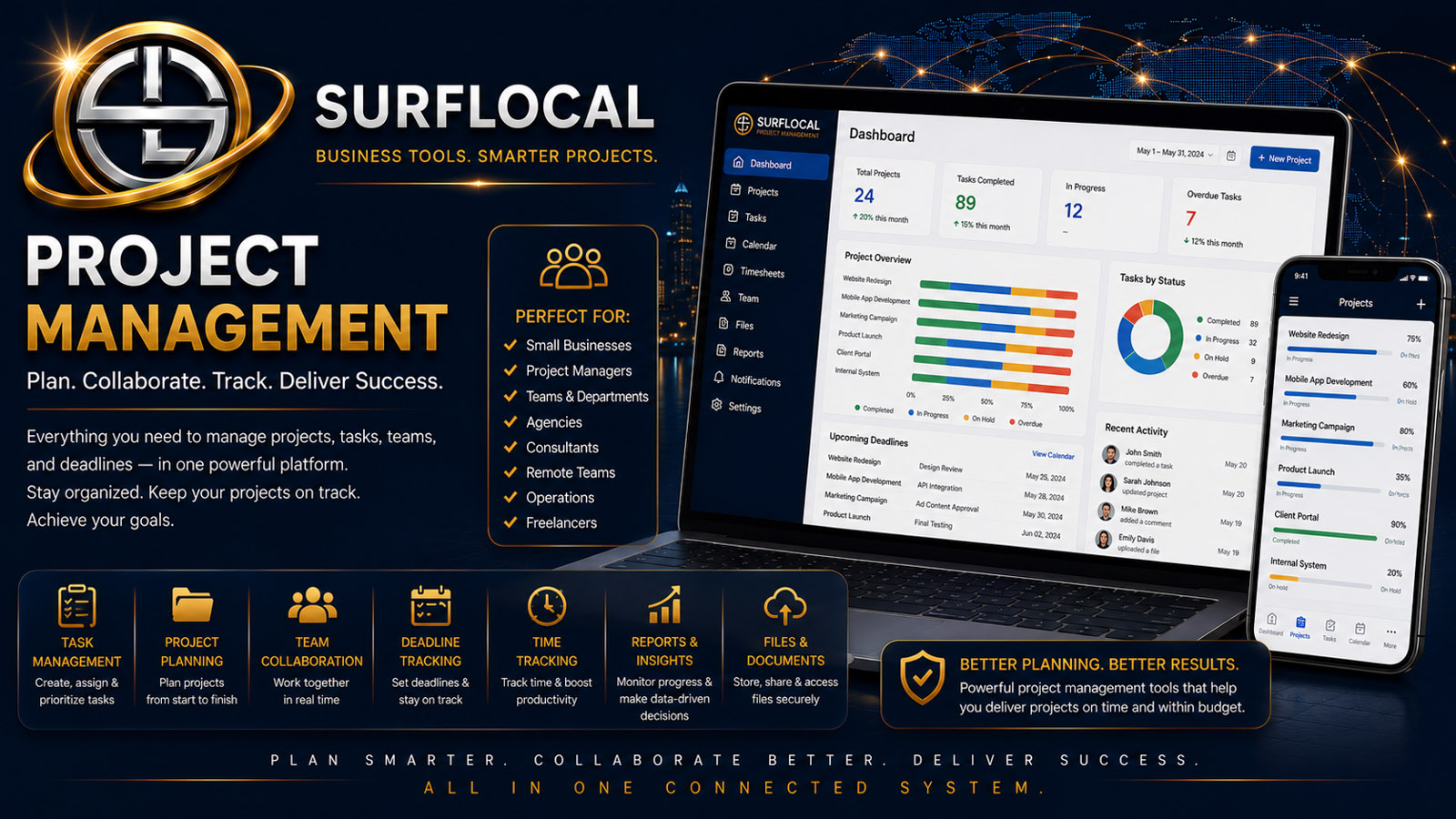
SurfLocal Media Task Management helps keep calls, emails, meetings, client notes, internal requests, and sales activity from disappearing into memory. Capture the next step, give it an owner, keep it visible, and move the work toward completion.
Task Management is most useful when the business already has plenty of activity but the next step is not always clear. The goal is simple: capture what needs to happen, identify who is responsible, keep the task visible, and complete it without losing the surrounding business context.
Turn calls, emails, meetings, customer requests, project updates, and internal notes into visible work instead of relying on memory.
Give owners, managers, and sales users a clearer understanding of who is responsible for moving a task forward.
Help managers and team members see what still needs attention and reduce the chance that an important customer or internal step gets overlooked.
Capture the next action while the call, email, meeting, customer issue, or internal request is still fresh.
Make it clear which owner, manager, sales user, or team member is expected to handle the next step.
Keep the work visible while it is active and connect it to the client, lead, project, or business context that created it.
Close the task when the work is finished or create the next step when another action is required.
Keep calls, emails, reminders, documents, estimates, and other customer next steps visible after the original conversation ends.
Help sales users remember what needs to happen next with a lead, prospect, client, campaign, or account.
Give managers a clearer view of active follow-up and work that may need attention, reassignment, or escalation.
Break larger project work into smaller actions when individual pieces need their own owner and follow-through.
Track administrative, billing, onboarding, communication, or other internal work that should not depend on memory.
Keep tasks connected to the lead, client, project, billing, or team workflow that created them.
See important follow-up and daily work at a higher level without relying only on verbal updates or scattered reminders.
Review what needs attention, help organize responsibility, and keep customer or internal work from stalling.
Keep a practical list of calls, emails, meetings, customer actions, and next steps tied to the work they are already doing.
The uploaded Task Management source does not establish a confirmed monthly price. This page therefore keeps pricing open instead of presenting the old schema’s `$0` value as a customer price.
Ask About Task ManagementTell us which kinds of tasks get lost, who should own them, and where managers need better visibility. That makes it easier to understand how Task Management should fit the account.
Tell SurfLocal Media how work is assigned today, where follow-up gets lost, who needs visibility, and which workflows should create tasks. The original form field names, routing, mail handling, lead-board save, honeypot, and math check remain intact.