01
See the account clearly
Keep client details, relationship status, internal notes, and important account context together instead of rebuilding the story every time somebody needs it.
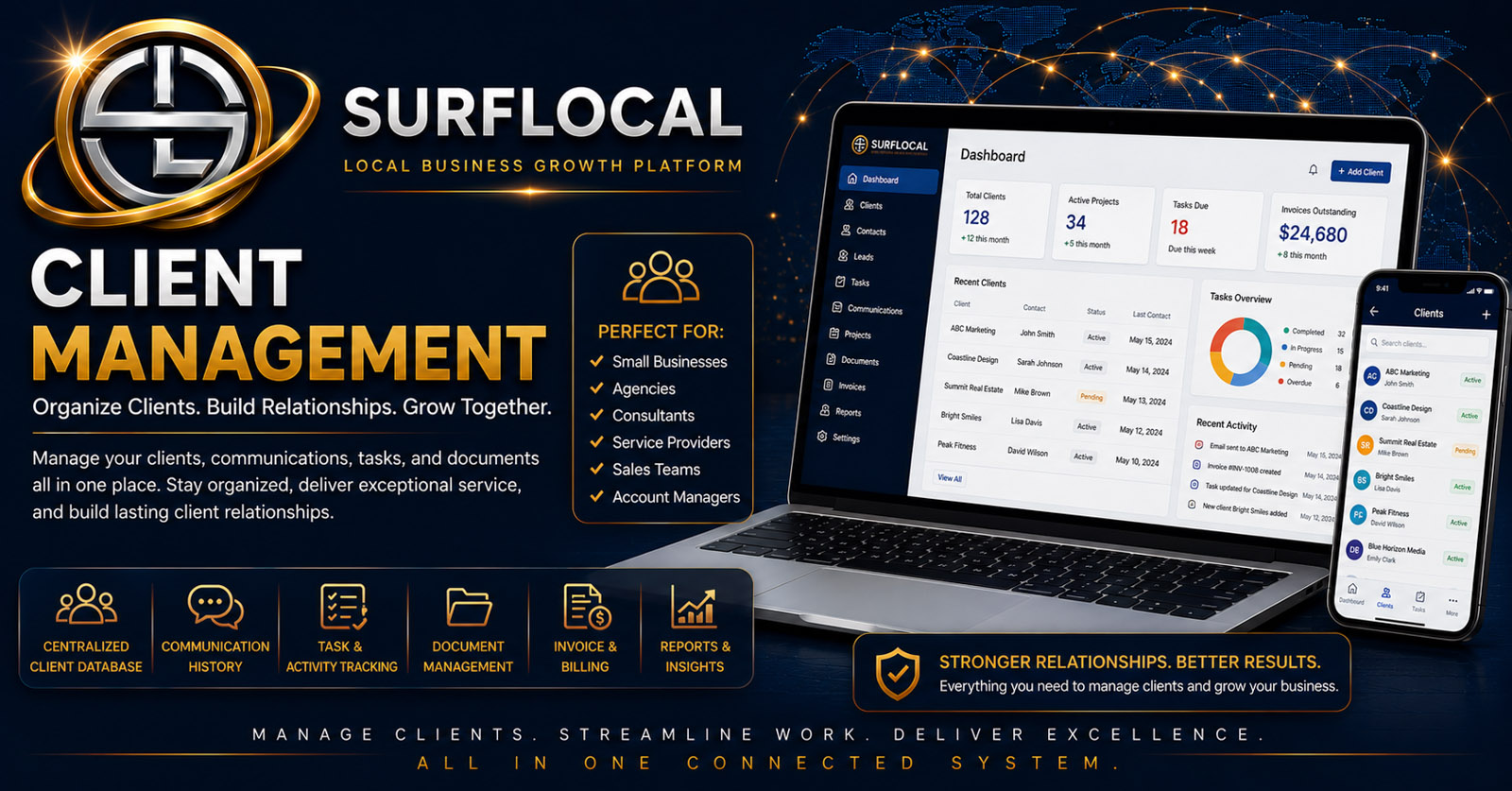
SurfLocal Media Client Management keeps contact details, account status, relationship notes, files, folders, documents, images, and follow-up activity together—so owners and managers do not have to reconstruct the customer story from scattered apps and inboxes.
Client Management gives the relationship a consistent place to live. The goal is not just to store a contact—it is to keep enough context around the account that the next person can understand what is happening and what needs to happen next.
Keep client details, relationship status, internal notes, and important account context together instead of rebuilding the story every time somebody needs it.
Organize documents, images, folders, instructions, and other account materials close to the client record that gives them meaning.
Give owners and managers a clearer view of account activity and the next step instead of depending only on personal memory or private inboxes.
Start with the customer’s contact details, business information, account context, and relationship status.
Add notes, files, folders, documents, images, instructions, and the information your team needs to work the relationship.
Keep important account updates and follow-up context visible as the relationship develops.
Move naturally into billing, email, tasks, meetings, or other Business Tools when the account needs them.
Maintain contact information, account status, relationship stage, and the core details your team needs to understand the client.
Keep internal notes and relationship history close to the account rather than spread through texts, inboxes, and notebooks.
Upload and organize documents, images, and account materials into named folders associated with the client.
Keep important account instructions, internal context, and service information available where the relationship is being managed.
Keep account activity and the next step easier to review for owners, managers, and permitted users.
Give the business a cleaner view of what is happening across customer relationships without making every employee use the same level of access.
These companion tools can extend the client record when the relationship moves into another stage.
Maintain account-level visibility into important client relationships, status, files, notes, and the broader tool stack.
Review client activity, keep records organized, help manage follow-up, and provide oversight across customer accounts.
Work the client relationship and update relevant account information without automatically receiving full owner-level control.
Client Management is an add-on inside the SurfLocal Media Business Tools account. The private Business Tools Dashboard is the account foundation.
Add Client ManagementTell us what you currently track, where files and notes live, who needs oversight, and where follow-up is getting lost. We can use that information to help structure the account.
Tell SurfLocal Media how you manage client records, notes, files, account status, and follow-up today. The original form field names, routing, mail handling, lead-board save, honeypot, and math security check remain intact.