01
Follow up while interest is fresh
Use email after an inquiry, quote, appointment, meeting, promotion, or sales conversation so the next step does not depend on somebody remembering later.
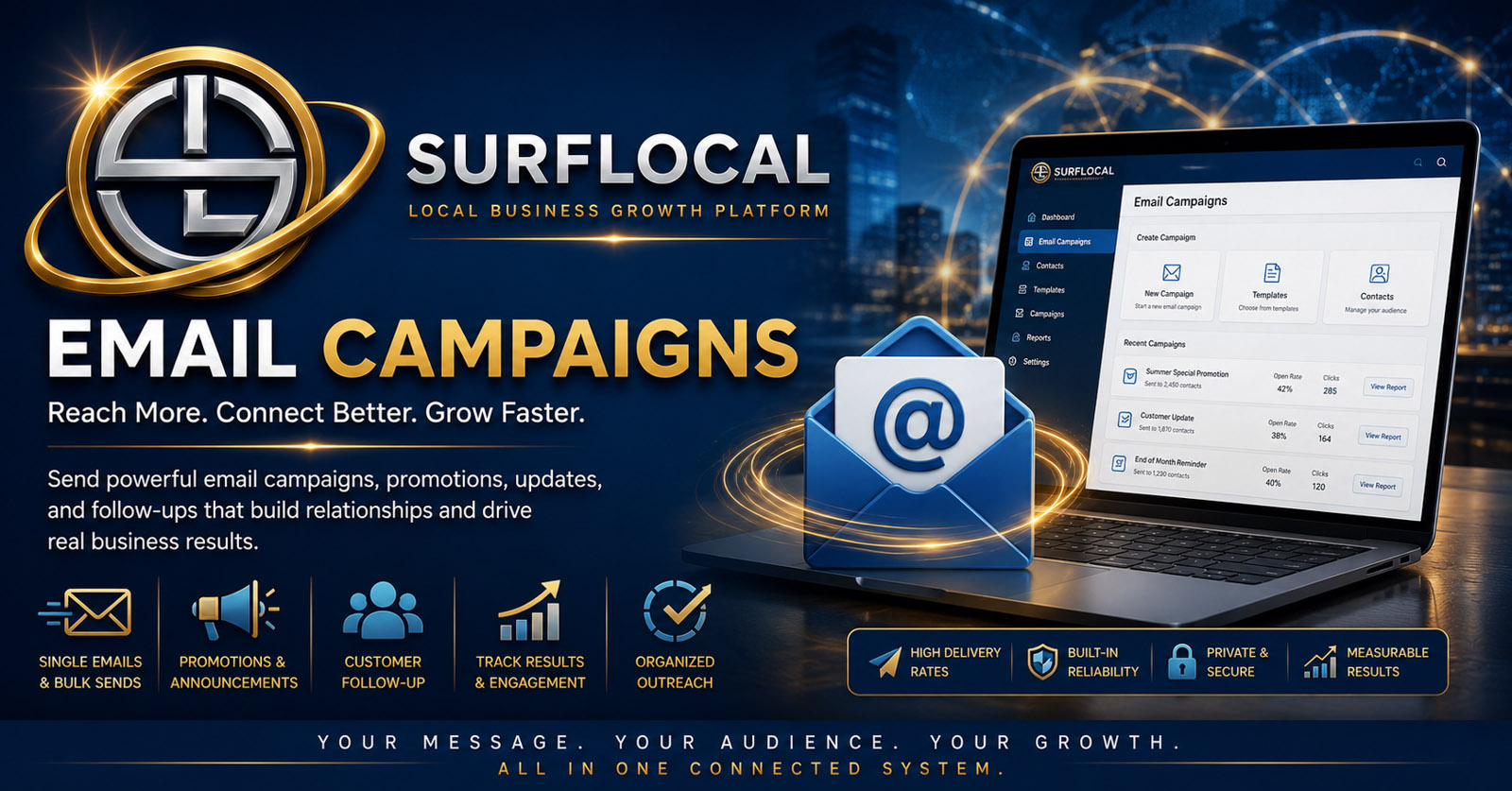
SurfLocal Media Email Campaigns gives your team one organized place for customer follow-up, promotions, reminders, newsletters, updates, and reactivation messages—without turning every conversation into another disconnected inbox.
Email is most useful when it is connected to the customer work around it. This tool is designed to help a local business keep outreach organized instead of relying on personal inboxes, scattered lists, and memory.
Use email after an inquiry, quote, appointment, meeting, promotion, or sales conversation so the next step does not depend on somebody remembering later.
Promotions, announcements, reminders, newsletters, and reactivation messages can become part of a repeatable business process instead of one-off effort.
Pair Email Campaigns with lead, client, web, and task tools so communication supports the same customer process your team is already managing.
Start with one customer, a lead, a selected contact group, or a business list appropriate for the message.
Follow up, remind, announce, promote, reactivate, or keep customers informed.
Keep the email focused on one useful reason to read and one clear next action.
Move the response back into the lead, client, task, sales, or service process your team is already using.
Send a timely email after web forms, calls, referrals, estimates, and other new-business activity.
Share offers, seasonal campaigns, service updates, events, new products, or time-sensitive business news.
Keep customers informed before appointments, follow-up dates, reviews, meetings, or service milestones.
Maintain regular contact with useful updates, educational material, company news, and business reminders.
Reach customers who already know the business when there is a useful reason to reconnect.
Give owners, managers, and sales users a cleaner communication process that fits the broader Business Tools account.
These are natural companion tools inside the SurfLocal Media Business Tools family.
Keep customer communication inside the business account, maintain visibility into the process, and decide which people need access.
Help organize follow-up, customer updates, promotions, and campaign activity across the people they supervise.
Use approved email tools for follow-up, outreach, reminders, and customer communication without relying only on personal inboxes.
Email Campaigns is an add-on inside the SurfLocal Media Business Tools account. The private Business Tools Dashboard is the account foundation.
Add Email CampaignsYou do not need to build a large email program on day one. Tell us who needs access, what kinds of messages you send, and where follow-up is currently getting lost.
Tell SurfLocal Media how your team communicates now and what you want Email Campaigns to improve. The existing form routing, spam protection, math check, and lead-board save remain in place.