01
Make demonstrations easier
Show a customer, prospect, or team member the actual screen instead of relying only on screenshots, long instructions, or verbal explanation.
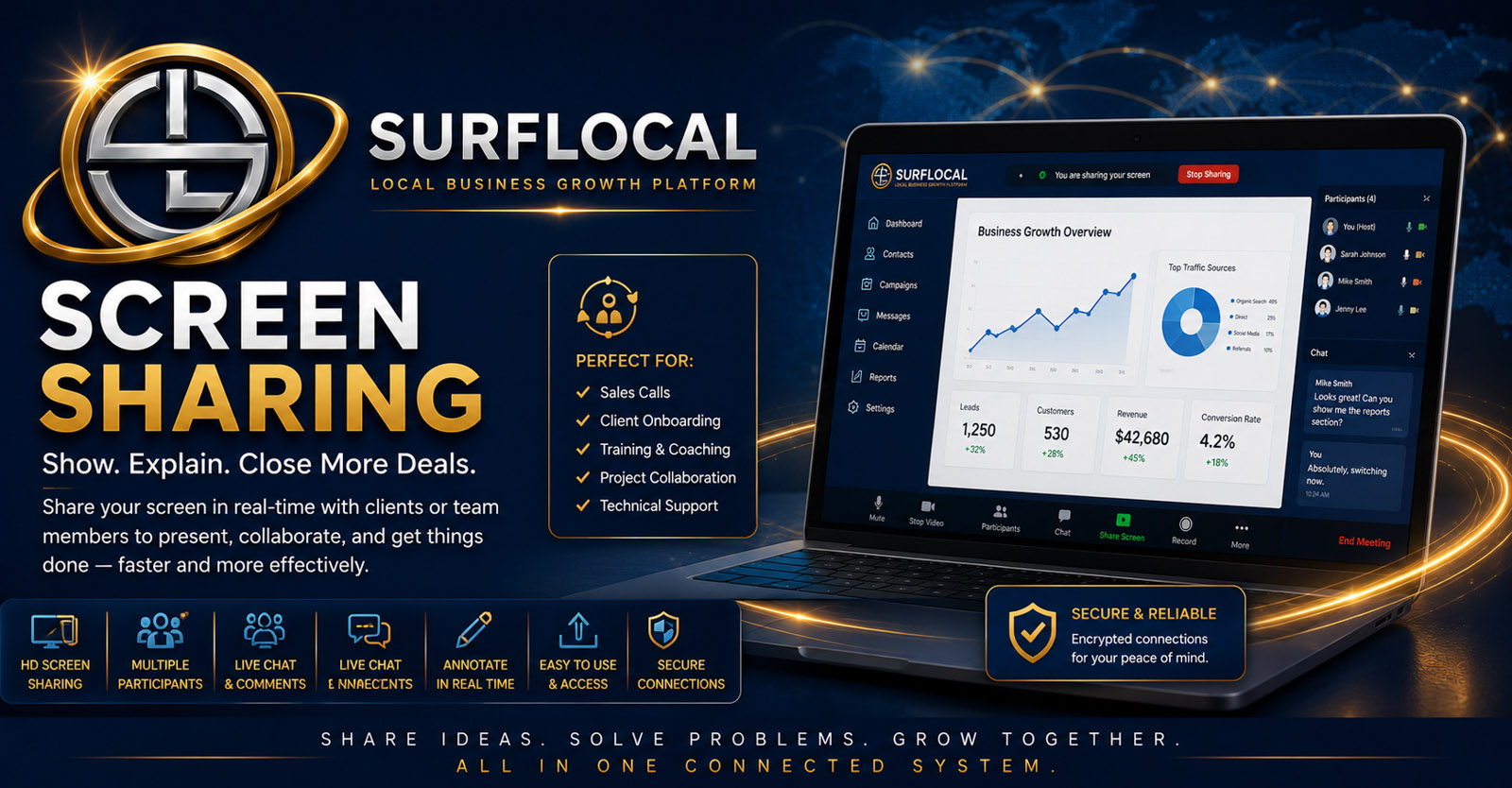
SurfLocal Media Screen Sharing gives your team a practical way to guide customers, staff, and partners through demos, setup, troubleshooting, onboarding, reviews, and live support without sending every conversation into a separate outside tool.
Screen Sharing is useful when the next step is visual: a product demo, account setup, troubleshooting session, review, presentation, or guided customer walkthrough. It gives the business a direct way to show the work while the conversation is happening.
Show a customer, prospect, or team member the actual screen instead of relying only on screenshots, long instructions, or verbal explanation.
Use a live shared view to identify where somebody is stuck and guide them through the next step more efficiently.
Pair screen sharing with client records, meetings, projects, and follow-up tools so the live session remains part of the broader business workflow.
Bring the customer, prospect, employee, or partner into the live screen-sharing workflow.
Walk through the product, page, dashboard, setup step, account issue, document, or workflow that needs attention.
Answer questions, demonstrate the action, confirm understanding, and identify anything that still needs follow-up.
Move the outcome back into the client, project, meeting, task, sales, or support workflow as appropriate.
Walk a prospect or customer through a real product, dashboard, process, or digital service while questions are still fresh.
Help new customers, staff, or partners understand setup, account access, and the first steps they need to complete.
Use a live shared view to identify problems and guide the user through corrective steps without relying only on phone descriptions.
Walk through websites, offers, documents, accounts, billing records, or project work while everybody is looking at the same screen.
Show employees or managers how to complete a business process or use a connected Business Tools workflow.
Use a live screen to support presentations, answer implementation questions, and make complex offers easier to understand.
Review accounts, workflows, projects, documents, and operational issues with the people responsible for them.
Run clearer demos, presentations, onboarding sessions, and live customer walkthroughs without relying only on static materials.
Help users understand setup, resolve problems, and learn workflows by showing the actual process in real time.
Screen Sharing is an add-on inside the SurfLocal Media Business Tools account. The current source and Business Tools pricing identify this tool at $29 per month.
Add Screen SharingTell us who needs to run sessions and whether the primary use is demos, onboarding, support, troubleshooting, review, training, or a mix of those workflows.
Tell SurfLocal Media who will use Screen Sharing and whether the main need is demos, onboarding, troubleshooting, customer support, training, or review sessions. The original form field names, routing, mail handling, lead-board save, honeypot, and math check remain intact.