01
Move customer conversations forward
Use a live meeting when questions, decisions, demonstrations, or relationship-building need more context than a message thread can provide.
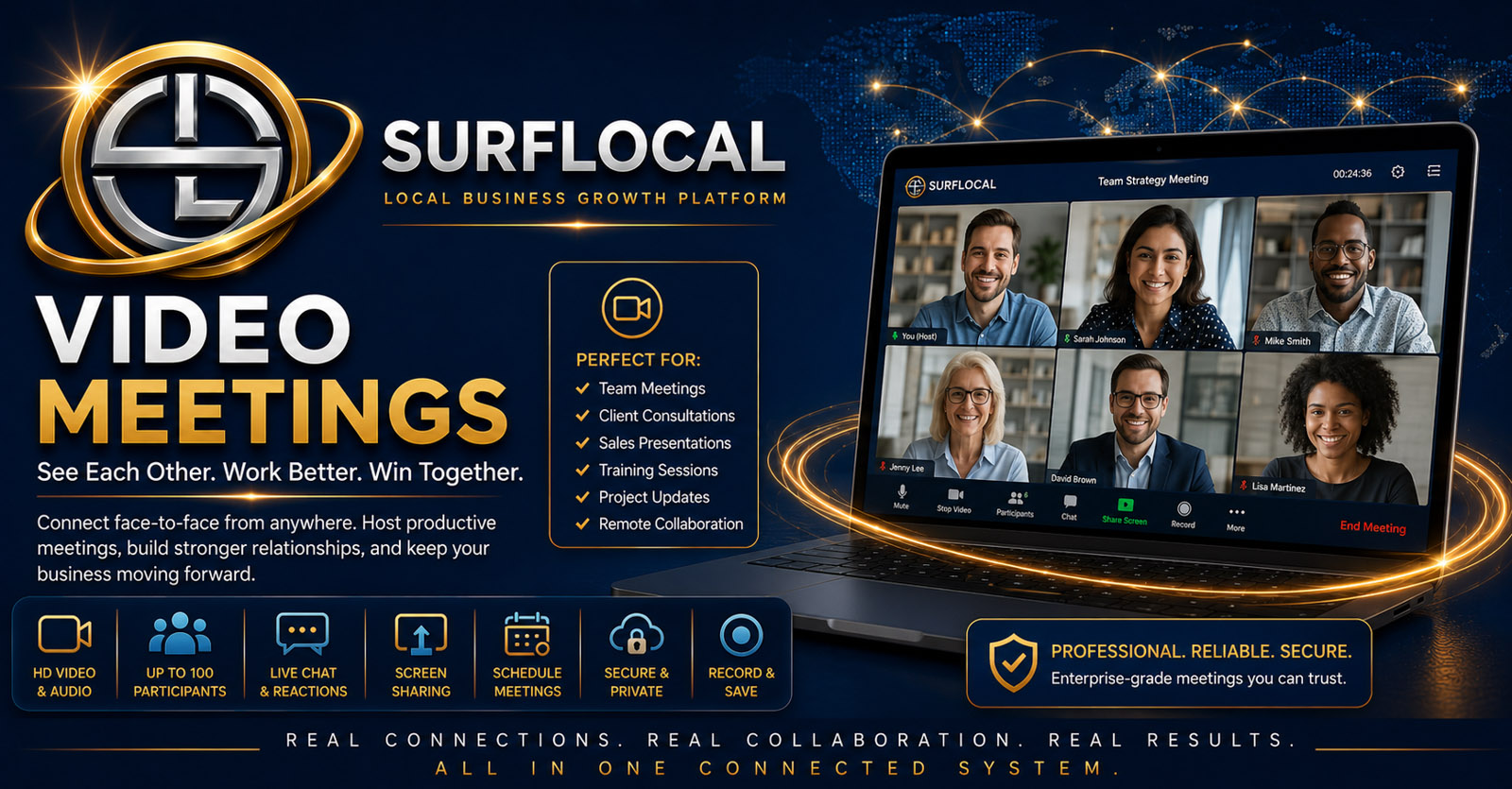
SurfLocal Media Video Meetings gives owners, managers, sales users, and customer-facing teams a practical place for consultations, onboarding, presentations, review calls, support sessions, partner conversations, and internal meetings—without treating every live conversation as a disconnected event.
Video Meetings is useful when the relationship benefits from face-to-face discussion: a consultation, onboarding session, presentation, customer review, support conversation, partner meeting, or internal team discussion.
Use a live meeting when questions, decisions, demonstrations, or relationship-building need more context than a message thread can provide.
Connect the conversation to the client, lead, project, task, support, or sales workflow that created the need for the meeting.
Use the meeting outcome to create the next customer, sales, support, project, or internal action instead of letting the conversation end without a clear next step.
Bring the customer, prospect, employee, manager, partner, or other participant into the meeting.
Use the live conversation for consultation, sales, onboarding, support, planning, or another business purpose.
Clarify decisions, questions, deliverables, customer needs, account issues, or anything that should be documented after the call.
Move the outcome into the appropriate client, lead, project, task, billing, or communication workflow.
Use face-to-face conversation to understand needs, review options, answer questions, and move a customer relationship forward.
Walk new customers through expectations, setup, account information, next steps, and the people involved in the relationship.
Hold live presentations or discovery conversations when a prospect needs more explanation than email or static material can provide.
Meet to review projects, websites, promotions, billing questions, account progress, or other customer-facing work.
Use live conversation for customer questions, problem-solving, training, or guided assistance.
Give owners, managers, sales users, and other team members a place for planning, review, coordination, and operational conversations.
Use meetings for customer reviews, operational conversations, team coordination, partner discussions, and higher-level planning.
Use consultations, discovery calls, presentations, onboarding, and relationship-building conversations to move customer work forward.
Use live meetings for training, support, walkthroughs, customer questions, and service conversations that benefit from direct interaction.
Video Meetings is an add-on inside the SurfLocal Media Business Tools account. The uploaded source identifies the tool at $39 per month.
Add Video MeetingsTell us whether the primary use is consultations, onboarding, presentations, support, reviews, internal meetings, or a mix of those workflows.
Tell SurfLocal Media who needs meeting access and whether the main need is client consultations, onboarding, presentations, support, reviews, partner conversations, or internal meetings. The original form field names, routing, mail handling, lead-board save, honeypot, and math check remain intact.