1
Core Dashboard
The private account foundation where the business begins, enabled tools are reached, and owner-level structure is established.
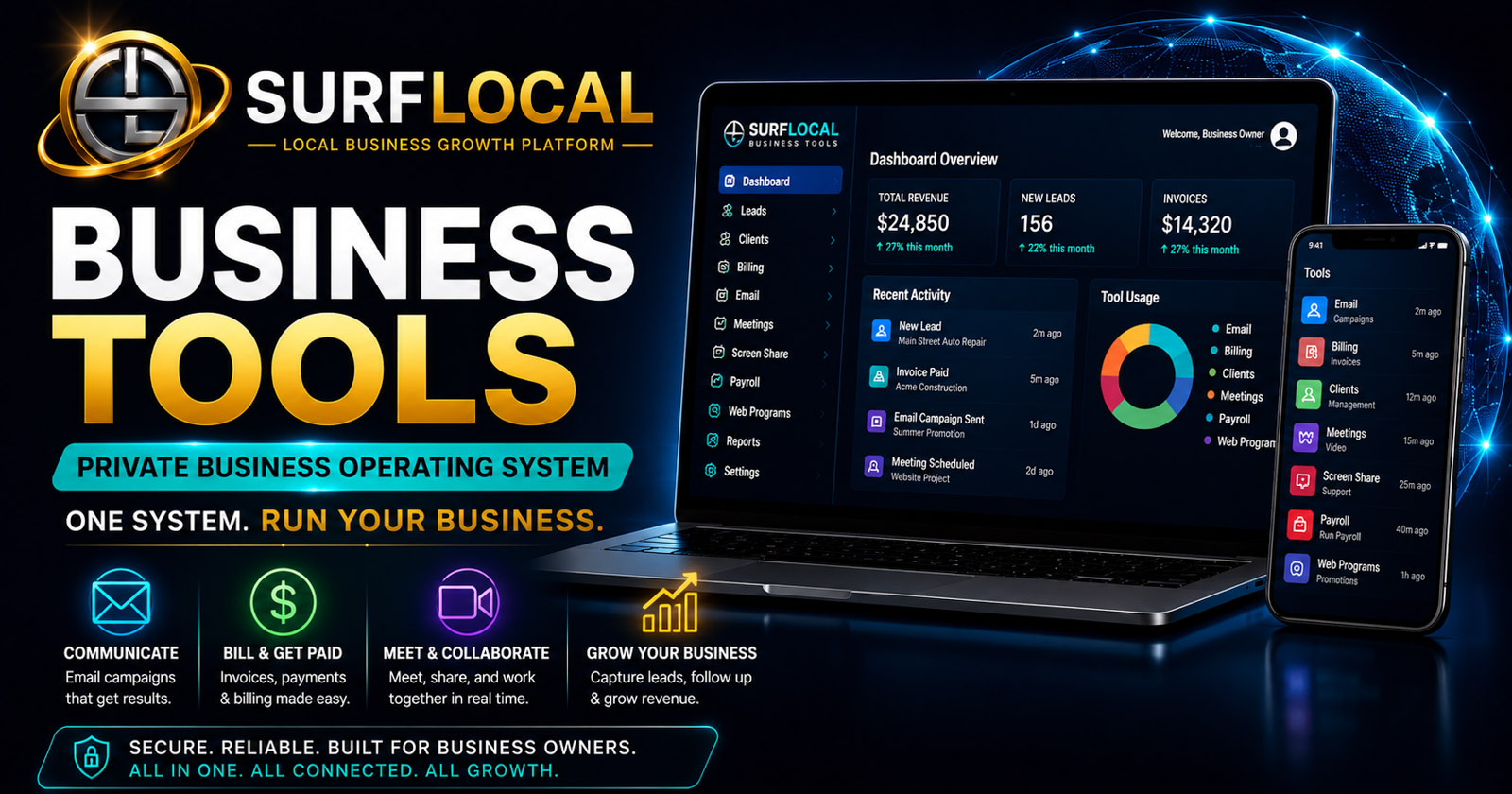
SurfLocal Media Business Tools starts with a private dashboard and expands into customer, communication, back-office, project, and growth workflows. This page gives you the short version—what the major parts are, how they connect, and where to go next for deeper detail.
This overview separates the account into the control layer, the people who use it, the working tools, and the expansion path.
The private account foundation where the business begins, enabled tools are reached, and owner-level structure is established.
Owners, managers, and sales/customer-facing users can be organized around different responsibilities and tool access.
Customer, communication, billing, payroll, meeting, project, task, and promotional tools can be added around the dashboard.
The business can begin with a small stack and add tools or users later instead of rebuilding the account from scratch.
Not every business needs every step, but this is a useful way to see how the major customer-facing tools can relate to one another.
Use Web Programs or other marketing activity to create a focused customer-response path.
Move new opportunities into Lead Management or another follow-up process.
Use Client Management, Email Campaigns, Video Meetings, or Screen Sharing as the relationship develops.
Use Project Management, Task Management, or Team Collaboration when the customer relationship creates internal work.
Use Billing Management and, where appropriate, Payroll Management for separate financial and internal record workflows.
Tools that help move a relationship from inquiry into an organized customer workflow.
Tools for outreach, meetings, demos, onboarding, live support, and customer communication.
Tools for billing, payroll records, project/task organization, team workflow, and public promotional pages.
Maintains account-level control, tool direction, and the highest-level visibility into the Business Tools structure.
Support oversight, customer work, operations, billing, projects, or other areas according to the access the owner assigns.
Use focused lead, client, communication, presentation, and follow-up tools without automatically receiving full account control.
The System Overview represents the core `ToolDashboard` foundation. Additional Business Tools can carry their own monthly prices when enabled.
Start With the Core DashboardYou do not need to activate everything at once. A cleaner starting point is to identify the most important customer and operating workflows, then add the Business Tools that support them.
Describe the business, team, and workflows you want to organize. The original form field names, routing, mail handling, lead-board save, honeypot, math check, and `ToolDashboard` selection remain intact.