01
See active work clearly
Keep projects and internal work visible so owners and managers have a clearer picture of what is active, waiting, completed, or blocked.
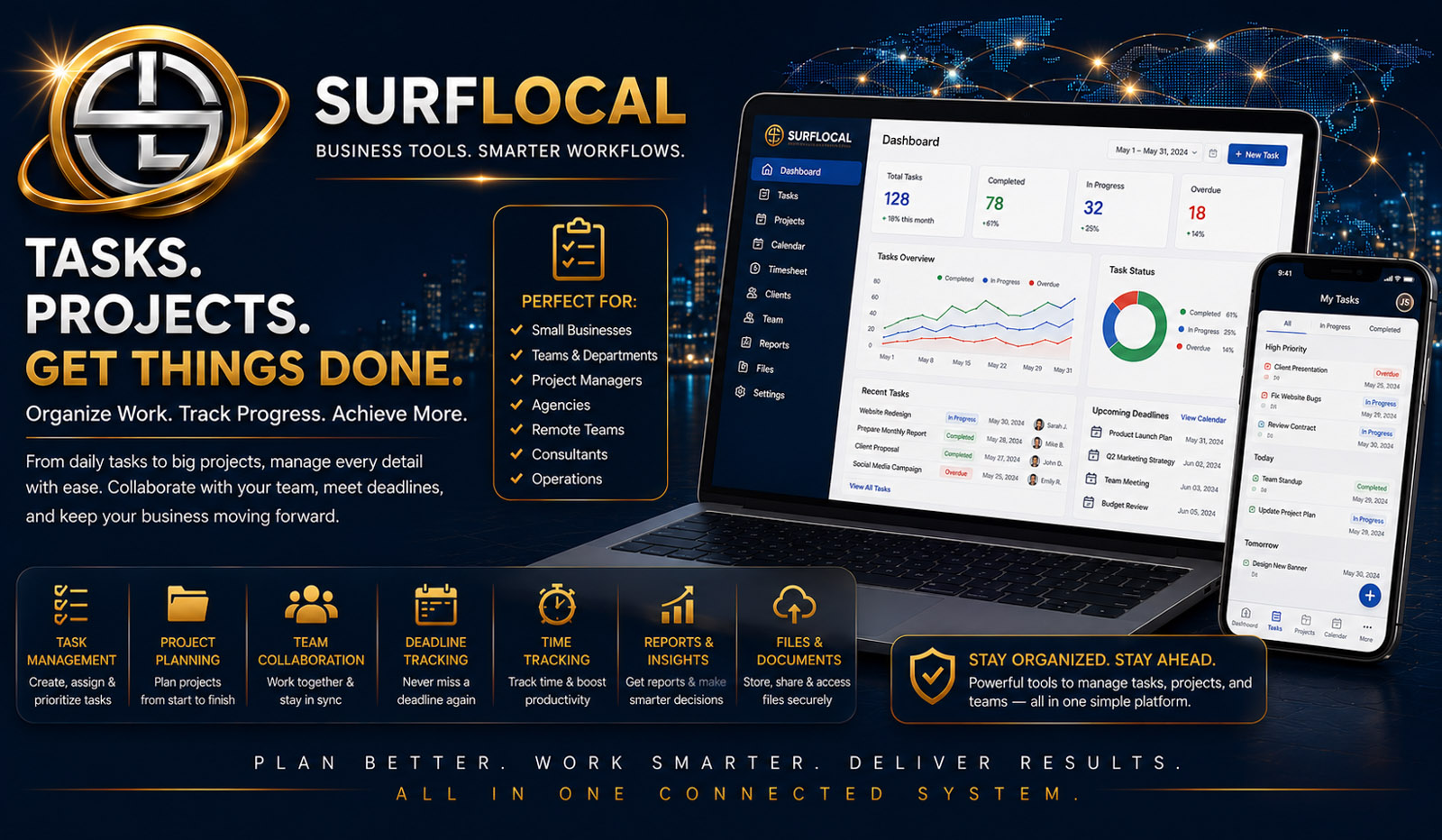
SurfLocal Media Project Management gives owners and managers a private place to organize business work, client-related projects, internal progress, follow-up, and team responsibility without scattering project context across inboxes, notes, and unrelated tools.
Project Management gives the business a working place for the larger piece of work: what the project is, who is involved, what stage it is in, what needs attention, and how it connects back to the client and the rest of the Business Tools system.
Keep projects and internal work visible so owners and managers have a clearer picture of what is active, waiting, completed, or blocked.
Connect project activity to the customer relationship instead of treating client records and project work as two unrelated systems.
Use project status, notes, follow-up, and companion task tools to reduce uncertainty about what should happen next and who owns it.
Identify the client, objective, scope, working status, and the business outcome the team is trying to produce.
Clarify which owner, manager, or team member is responsible for the work and which next steps need attention.
Keep project notes, workflow status, follow-up, and relevant client context visible while the work moves forward.
Complete the work or connect the next stage to billing, client follow-up, tasks, communication, or another project step.
Keep the project name, client context, working notes, status, and internal information in one organized area.
Give owners and managers a clearer way to understand what is active, what is waiting, and what requires attention.
Keep service, marketing, implementation, or other client work connected to the relationship that created the project.
Help managers review project activity and identify stalled work or items that need another person’s attention.
Keep important project notes and next steps visible rather than depending on memory, private inboxes, or disconnected messages.
Move naturally between Project Management, Client Management, Task Management, Billing, and team workflows when the work calls for it.
Maintain a broader view of active work, client projects, priorities, and how the project workflow fits the rest of the business.
Review progress, organize responsibility, identify stalled work, and keep project activity moving toward completion.
Stay connected to client-related project work and follow-up where their role requires visibility or a specific next action.
The uploaded Project Management source does not establish a fixed monthly price. This page therefore keeps pricing open instead of presenting the source schema’s $0 value as a confirmed customer price.
Ask About Project ManagementTell us what kinds of projects you manage, how they connect to clients, who needs oversight, and where status or follow-up currently becomes difficult to see.
Tell SurfLocal Media what kinds of projects you manage, who needs access, and what you want the workflow to make easier. The original form field names, routing, mail handling, lead-board save, honeypot, and math security check remain intact.