The account foundation: owner control, enabled tools, login access, and the starting point for the business structure.
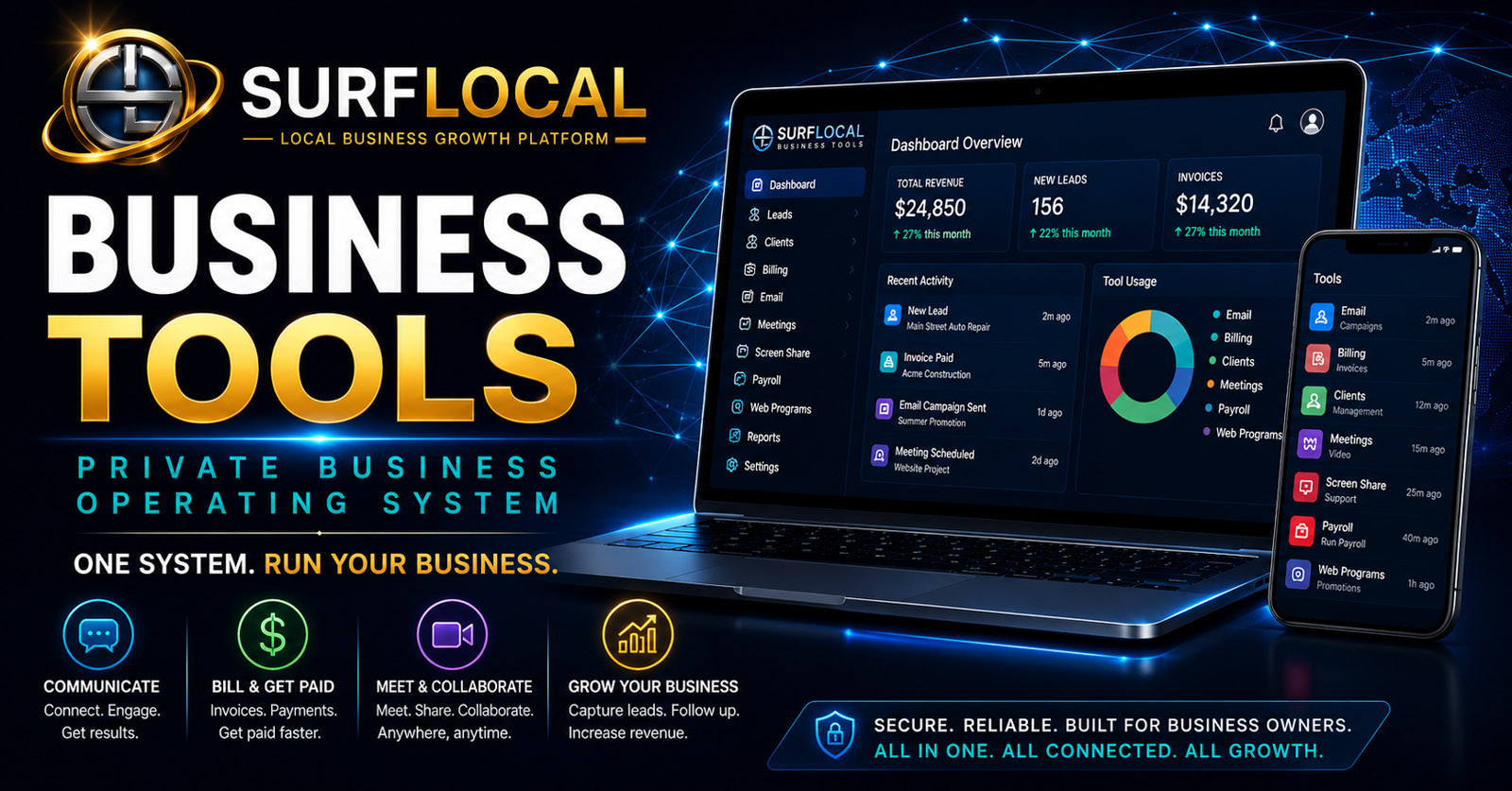
Business Tools · System Architecture
One private business system. Add only the tools your operation needs.
SurfLocal Media Business Tools is built around a private dashboard and an expandable set of working tools. Start with owner-level control, define the team, then connect lead, client, billing, communication, payroll, meeting, and web tools as the business actually needs them.
$0/moCore dashboard starting point
ModularAdd paid tools only as needed
PrivateOwner-led account and role structure
The architecture
The system is designed in layers instead of forcing every business into the same software package.
The private operating system is not a desktop operating system and it is not one giant all-or-nothing application. It is a web-based business environment where the dashboard, users, and selected tools share one account structure.
Organize owners, managers, sales users, and other permitted roles around the tools and responsibilities they actually need.
Add lead, client, billing, email, payroll, meeting, screen-sharing, web, and workflow tools as needed.
Grow the account in stages without rebuilding the entire system every time the business adds a new workflow.
System map
Each tool has its own job, but the value increases when the workflow connects.
These pages now describe the individual components separately so a business can understand what each tool does before deciding what belongs in its private stack.
Lead Management
Capture, assign, organize, and follow up with new business opportunities.
View Lead Management →Client Management
Keep client records, notes, files, status, and relationship activity together.
View Client Management →Billing Management
Create and organize estimates, invoices, quick bills, status, and billing follow-up.
View Billing Management →Email Campaigns
Handle customer follow-up, reminders, newsletters, offers, and organized outreach.
View Email Campaigns →Payroll Management
Organize employee records, onboarding documents, payroll-run records, and history.
View Payroll Management →Web Programs
Create focused public pages for offers, promotions, campaigns, and customer-response paths.
View Web Programs →Video Meetings
Hold business meetings, consultations, presentations, and support conversations.
View Video Meetings →Task Management
Turn customer and internal activity into visible next steps and assigned work.
View Task Management →Team Collaboration
Structure owner, manager, and sales-user access around real working roles.
View Team Collaboration →
How it grows
Start with the control layer, then add workflow instead of software clutter.
Create the private account foundation and owner-level control point.
Identify owners, managers, sales users, and the responsibilities that belong to each role.
Activate the Business Tools that match the work the business is actually doing today.
Add new modules, users, and connections when the operation becomes more complex.
Design principle
Private does not mean isolated. Modular does not mean disconnected.
The dashboard gives the organization a common starting point while individual tools remain focused on their own jobs.
Owners can retain account control while managers and sales users receive a more focused set of tools appropriate to their responsibilities.
A lead can move into client management, billing, email follow-up, meetings, and tasks without the business treating each step as an unrelated system.
The business can start small, add paid modules later, and avoid buying an oversized software stack before the workflow needs it.
Role structure
Build the operating system around responsibility.
Owner
Maintains account-level control, tool direction, and the overall structure of the private Business Tools environment.
Managers
Receive the operational tools and visibility needed to supervise clients, billing, leads, payroll, communication, or other assigned areas.
Sales & customer-facing users
Work from focused lead, client, communication, presentation, and follow-up tools without automatically receiving full account control.
$0/mo
The core Business Tools dashboard is the starting point. Additional Business Tools can have their own monthly prices when enabled.
Build My Business Tools StackStart with the business problem, not a giant software bundle.
Tell us which workflows are scattered today, who needs access, and what the business wants to control first. The private operating system can be built around those priorities.
- Start with the owner-level dashboard and private account structure.
- Add roles and access around actual responsibilities.
- Enable only the tools that solve a current operational need.
- Expand the stack later as customers, staff, and workflows become more complex.
Plan your SurfLocal Media private operating system.
Tell us how the business works today, where software is fragmented, who needs access, and which Business Tools should come first. The original form field names, routing, mail handling, lead-board save, honeypot, and math security check remain intact.