01
Give the offer its own destination
Create a standalone page for a coupon, seasonal special, campaign, announcement, event, service promotion, or other focused business message.
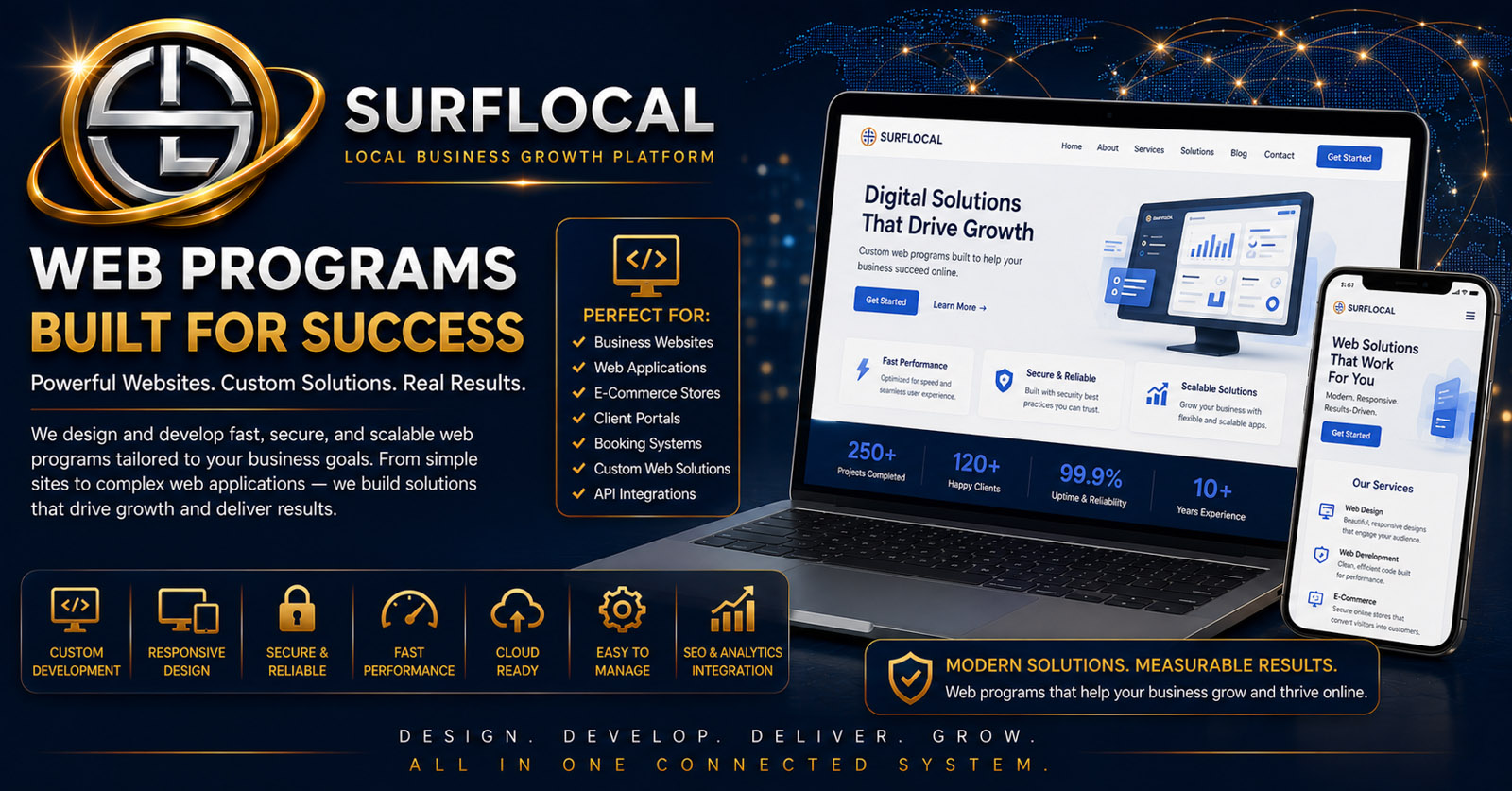
SurfLocal Media Web Programs turns a specific offer, coupon, special, campaign, announcement, or customer message into a focused promotional page. Instead of sending people to a generic website, give each campaign one destination that can be reused across email, QR codes, sales follow-up, advertising, and direct outreach.
A focused campaign works better operationally when the business has one page for the offer, one link to share, and one clear customer action. Web Programs gives a promotion its own destination while keeping it connected to the rest of the Business Tools workflow.
Create a standalone page for a coupon, seasonal special, campaign, announcement, event, service promotion, or other focused business message.
Share the link through email, QR codes, sales outreach, local ads, text-based communication, or other approved channels without recreating the offer each time.
Use the campaign page as the customer-facing starting point, then continue the relationship through lead, client, email, or other follow-up workflows.
Build the promotional page around one offer, coupon, special, campaign, announcement, or business message.
Use a focused headline, supporting copy, offer details, and a clear customer action rather than sending people into a generic website path.
Reuse the same destination in Email Campaigns, QR codes, sales follow-up, advertising, client communication, or other outreach.
Move interested customers into the appropriate lead, client, email, task, meeting, or billing workflow when follow-up is needed.
Create a dedicated page for a discount, limited-time offer, seasonal special, package, or customer incentive.
Give a marketing campaign one clear destination with its own message instead of relying on the general home page.
Create focused pages for launches, new services, important updates, community programs, or other timely messages.
Give sales users a reusable page they can send when a prospect needs a clearer explanation of an offer or program.
Use a Web Program as the destination behind printed materials, counter cards, signs, mailers, or other QR-based promotion.
Keep the same page available across multiple outreach channels so the business does not have to rebuild the message for every campaign touchpoint.
Define offers, promotions, campaign priorities, brand direction, and the customer actions the business wants each page to support.
Review campaigns, coordinate promotional timing, organize access, and help keep page activity aligned with the broader business workflow.
Use reusable campaign links in prospecting, customer follow-up, local outreach, presentations, and direct sales conversations.
Web Programs is an add-on inside the SurfLocal Media Business Tools account. The uploaded source identifies the tool at $59 per month.
Add Web ProgramsTell us what kinds of offers, coupons, specials, campaign pages, or customer messages the business needs and how those pages should be shared.
Tell SurfLocal Media what kinds of promotional pages you need, who will manage them, and how the links should support outreach and follow-up. The original form field names, routing, mail handling, lead-board save, honeypot, and math check remain intact.