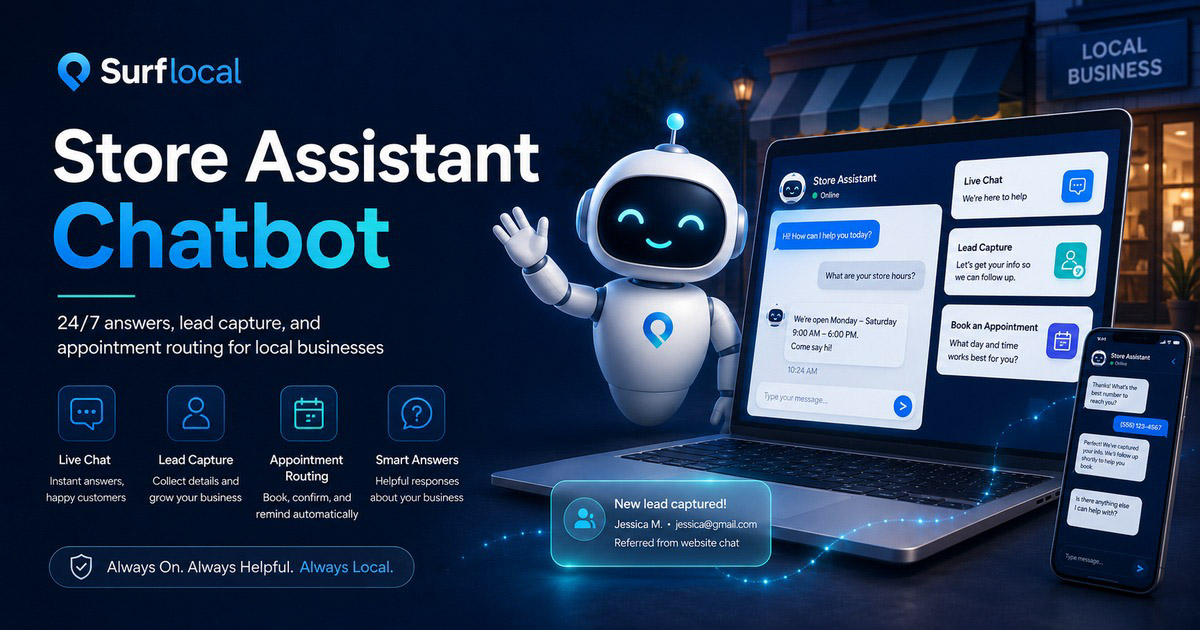
Customers ask questions at all hours. Store Assistant gives them an instant, approved answer and keeps the conversation moving toward a call, form, appointment, or next step.
Path 1 - Overview
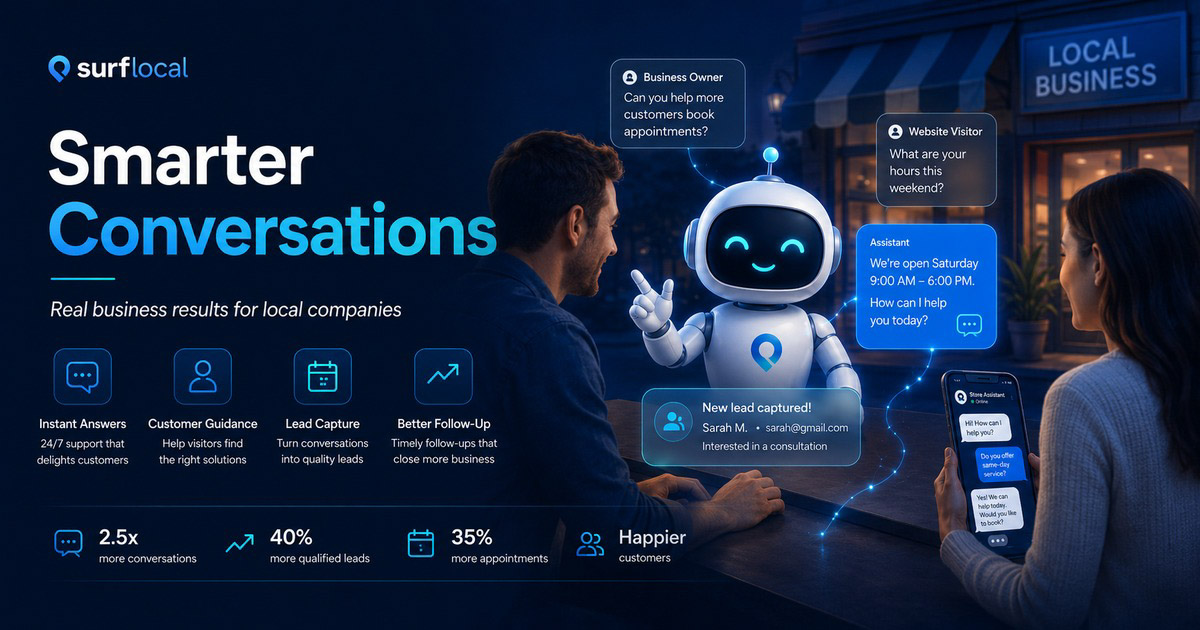
Smarter Conversations. Real Business Results.
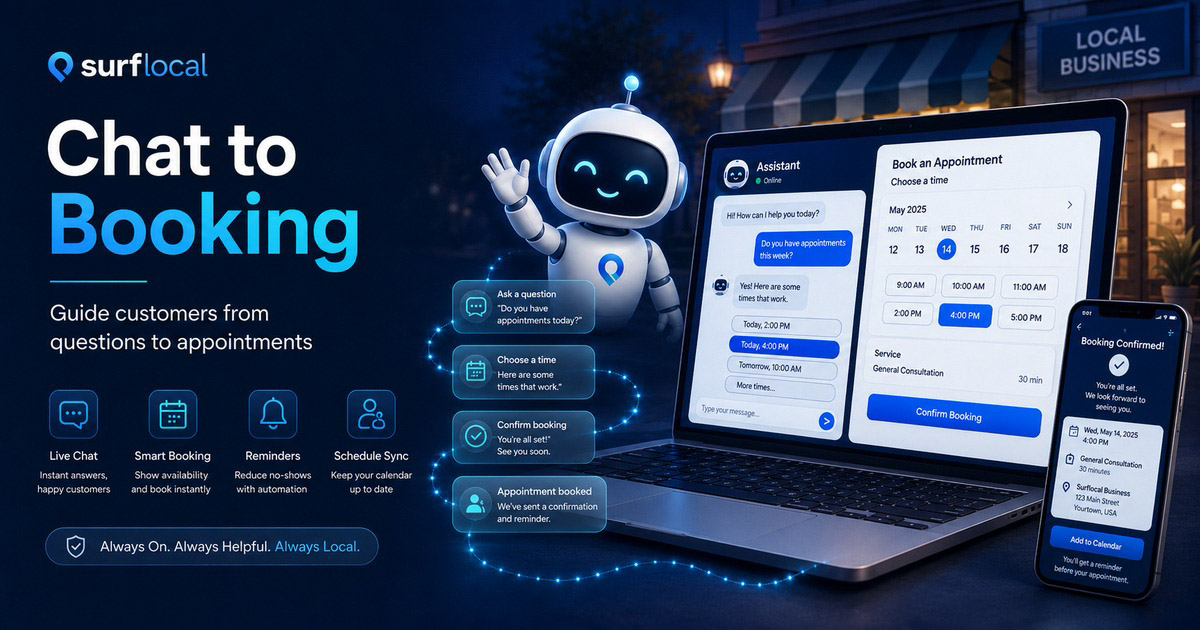
Our Store Assistant responds instantly to customer questions using information you control. It understands common questions, handles greetings naturally, and guides visitors toward calling, booking, or contacting your business.
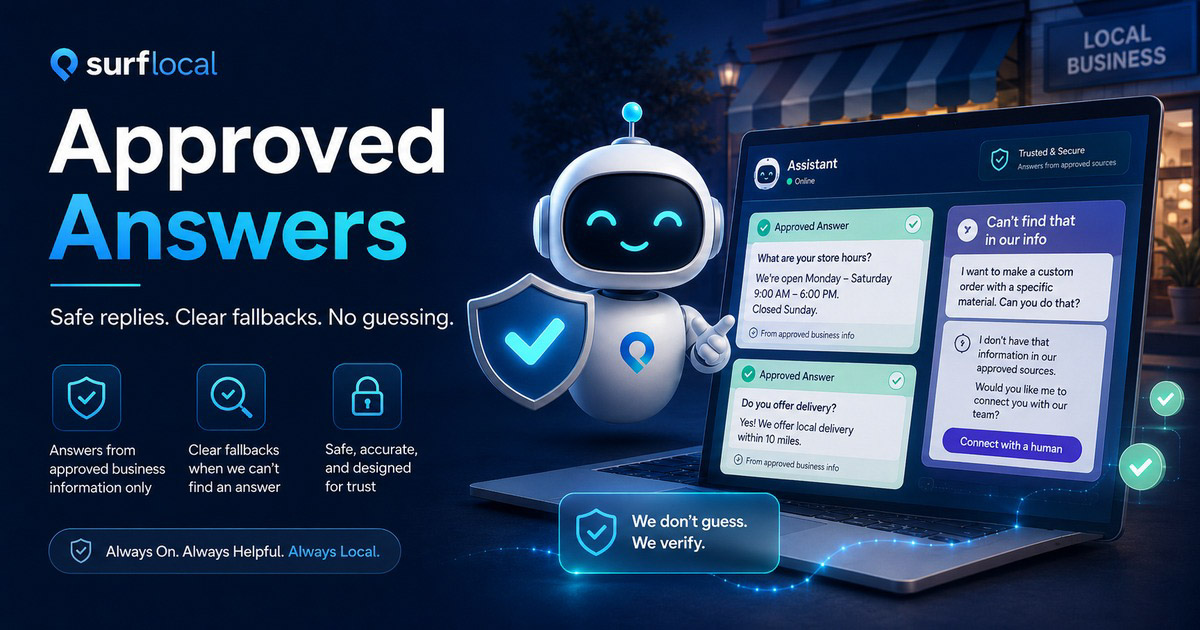
It never guesses, never invents details, and always stays on-brand. If it does not know an answer, it safely hands the conversation back to you. Think of it as a reliable digital assistant that works 24/7, filters leads, and saves time without replacing your staff.
Answers Questions
Fast customer support
Responds to common questions about services, hours, contact details, location, and next steps.
Routes Visitors
Calls, contact, booking
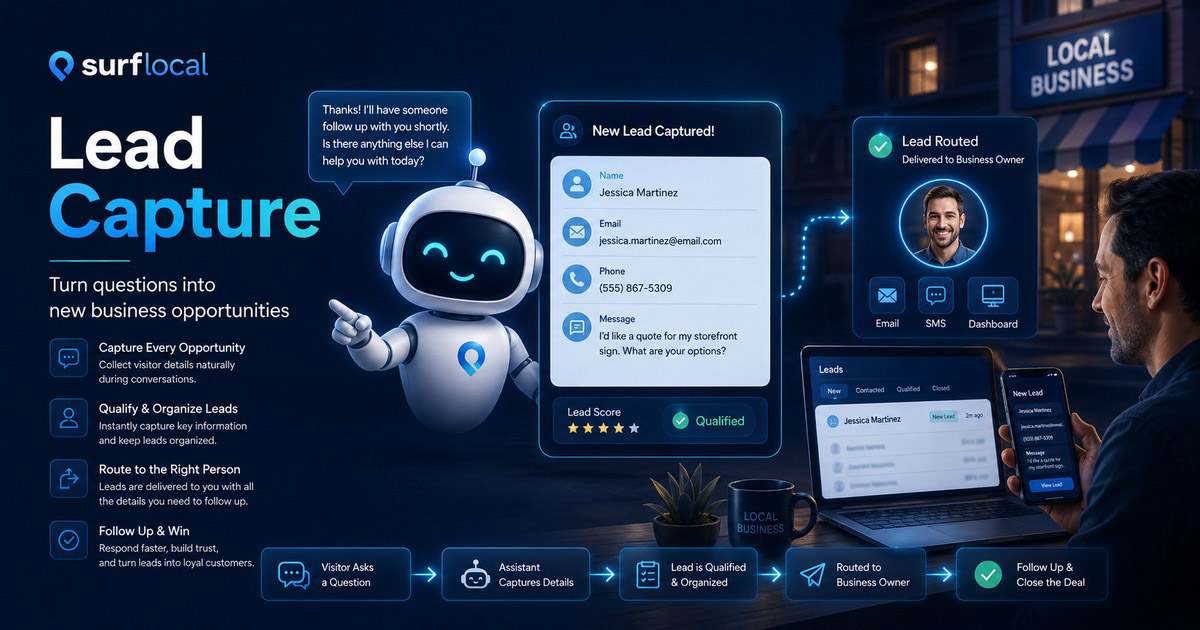
Moves interested customers toward a call, form, booking request, or direct follow-up.
Protects Accuracy
Approved answers only
Uses controlled business information and safe fallback language instead of guessing.
Path 2 - How It Works
How the Store Assistant Thinks
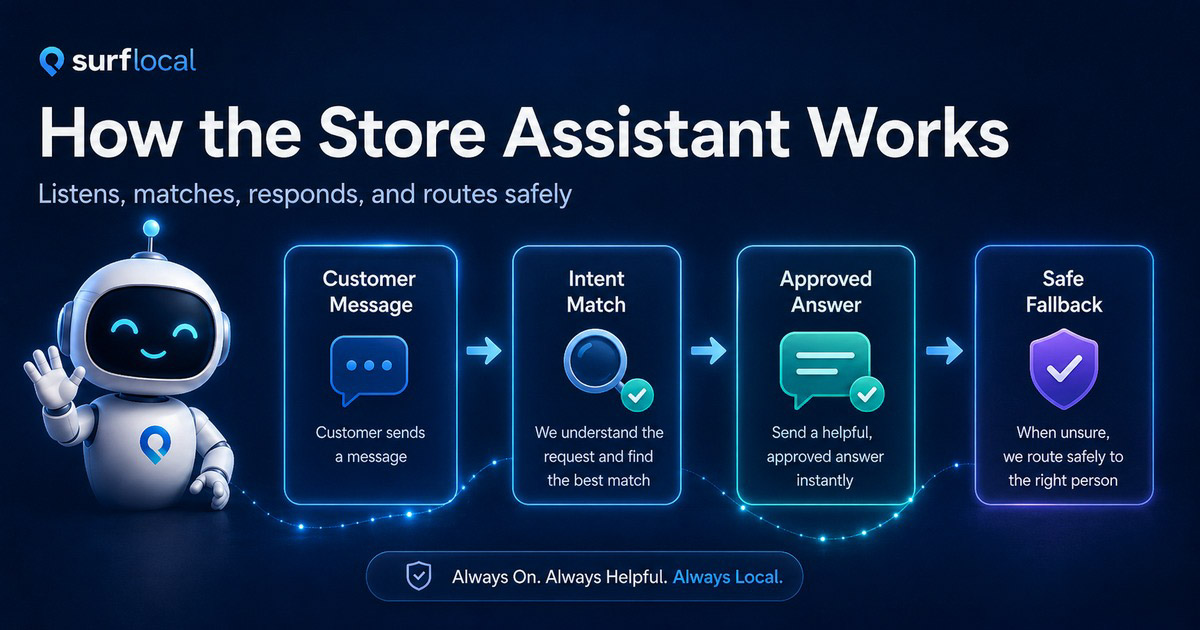
The brain of this chatbot is a simple but disciplined decision system that listens to a customer's words, cleans and normalizes that input, compares it against known questions and patterns in its knowledge base, selects the best matching intent, and then returns the most appropriate response while preserving your business context.
It does not think like a human. It follows clear rules: identify what the visitor is asking, locate the closest factual or predefined answer, and respond consistently every time. When it recognizes greetings or vague input, it steers the conversation politely toward useful actions, such as learning about services or contacting your business.
If it cannot confidently match an answer, it fails safely by returning a friendly fallback message instead of making something up.
Behind the Scenes - Cause and Effect
- User types a message - The bot receives raw text input.
- Input is cleaned - Matching becomes consistent and reliable.
- Keywords and phrases are detected - The bot identifies possible intent.
- Exact Q&A match is checked - A direct, confident answer is returned.
- Partial or fuzzy match is checked - The closest relevant answer is chosen.
- Greeting is detected - The bot responds politely and invites engagement.
- Business-related intent is detected - The bot transitions toward services, contact, or sales info.
- No strong match is found - A safe fallback response is shown.
- Response is formatted and branded - Output stays clear, professional, and on-brand.
- Answer is sent back to the user - The conversation continues smoothly.
Path 2 - Owner View
What This Means for Your Business
Positives
- Always accurate - It only answers from what you approve. No made-up information.
- Consistent answers - Customers get the same correct response every time.
- Instant replies - No waiting, even after hours or on weekends.
- Friendly greetings - Feels natural when someone says hi or hello.
- Guides toward action - Steers people toward services, calls, forms, or sales.
- Fewer interruptions - Handles repetitive questions automatically.
- On-brand tone - Responses stay professional and consistent with your business image.
- Safe when unsure - If it does not know, it will not give bad advice.
- Easy to improve - Add new Q&A and it gets smarter immediately.
- Scales effortlessly - One bot can talk to many visitors at once.
Limitations - Honest Expectations
- Not human-level intelligence - It does not think or hold opinions.
- Only as smart as its data - If it is not taught, it cannot answer.
- Needs upkeep - Answers should be updated when your business changes.
- Not for complex negotiations - Best used for first-touch questions and filtering.
- Does not improvise - It follows rules instead of being creative.
- Can be confused by very unclear input - Though it handles most common phrasing.
- Supports staff, not replaces them - It prepares and filters conversations for you.
In one sentence: this chatbot does not replace people. It filters questions, saves time, and sends better-informed customers to you.
Path 3 - Disclosure
Chatbot Disclosure
The Store Assistant helps answer questions, share links, and guide visitors to the right next step. When booking or availability comes up, it can start the scheduling process or provide contact information. Final confirmation and follow-up are handled directly by the company.
Path 4 - Get Started
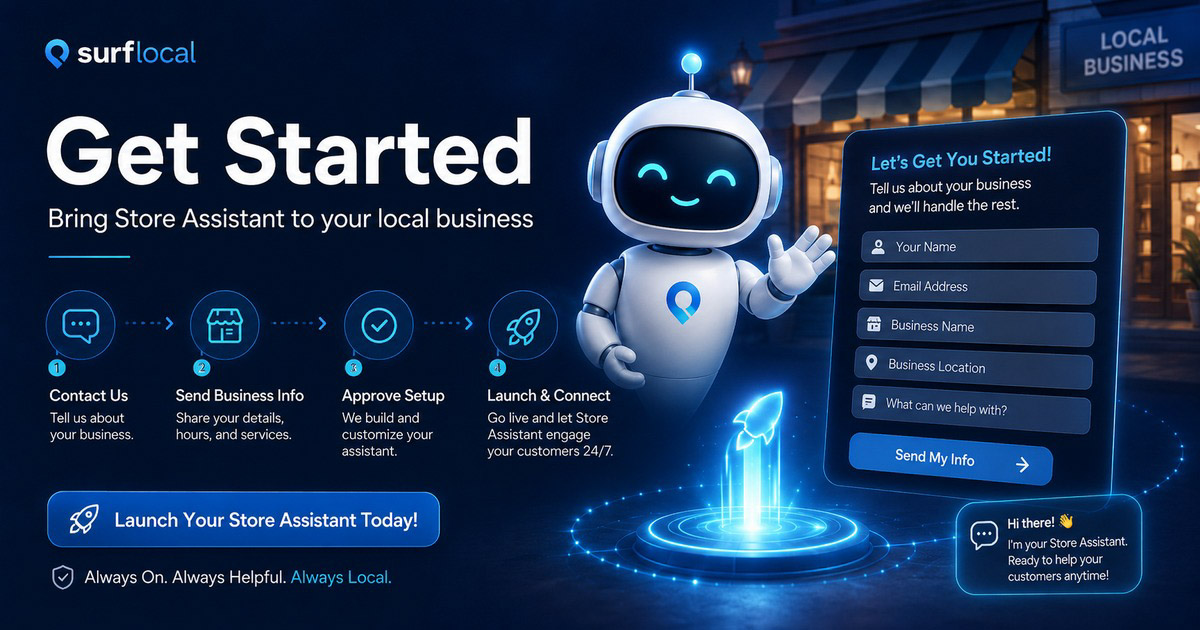
How to Get Started with the Store Assistant
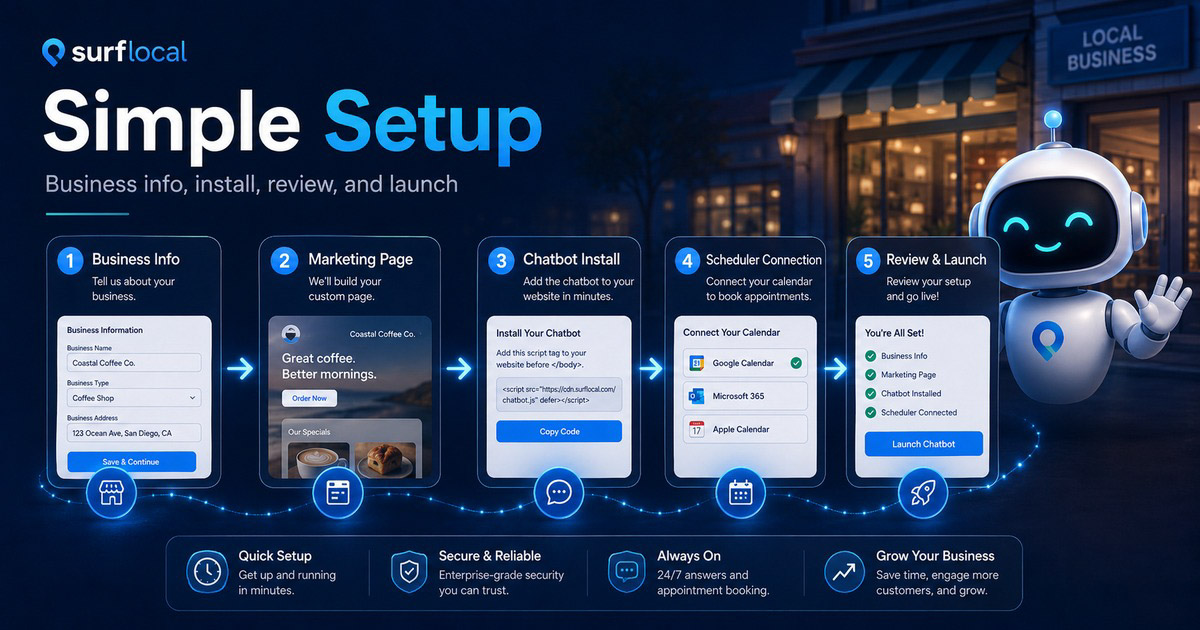
Getting started with the Store Assistant is simple. We gather your service and contact details, build an editable marketing page designed for search visibility, install the Store Assistant chatbot and Scheduler, and connect everything so visitors can move smoothly from questions to appointment requests in one flow.
Step 1 - Start the conversation
Tell us you want the Store Assistant added to your account. Use the Contact Form and mention "Store Assistant" in the message.
Step 2 - Send us your business info
We need the basics about your business, services, and contact details so the chatbot can answer correctly:
- Information Form - business name, hours, services, phone, email, and web address.
- Webpage Creation - if you need a new marketing page where the chatbot will live.
- Update Form - use this later when you need to adjust answers or details.
Step 3 - Choose your marketing / ad setup
The Store Assistant is designed to sit on top of your existing ads and marketing pages. If you are starting from scratch or expanding your campaigns, use:
- Marketing Ad - for general local marketing campaigns.
- Advertising Ad - if you are focused on a specific promotion or offer.
- Cost Effective - if you want us to recommend the most efficient setup for your budget.
If you are managing multiple locations or a team, you may also use Group Signup so we know this is a group or multi-location rollout.
Step 4 - Approve build and hosting
Once we confirm your details, we will direct you to the correct payment links. In most cases you will use:
- Build Fee - covers the setup of your Store Assistant and related page work.
- Hosting only - ongoing hosting for your page and chatbot.
- Manage your account - update cards, receipts, and subscriptions.
Step 5 - We install and you review
After payment, we install the Store Assistant on your page, load your first set of questions and answers, and send you a link to test it. You can request changes any time through the Update Form.
Simple summary: contact us, send your business info, approve your ad/marketing setup, pay the build + hosting, and we handle the rest of the chatbot installation.