One focused visual
Choose one message your customer can read at a glance. We build the ad around the business name, image, offer, and next step you provide.
 SurfLocal.net← Back to the Shop
Billboard Ad
A Billboard Ad gives your business a bold, quick-read placement. Put one service or offer front and center and send the people who respond to the page you choose. The paid $39-per-month retail ad includes the Communication Center.
$39 / month$79 one-time build
After payment, the success page is where you start onboarding your ad.
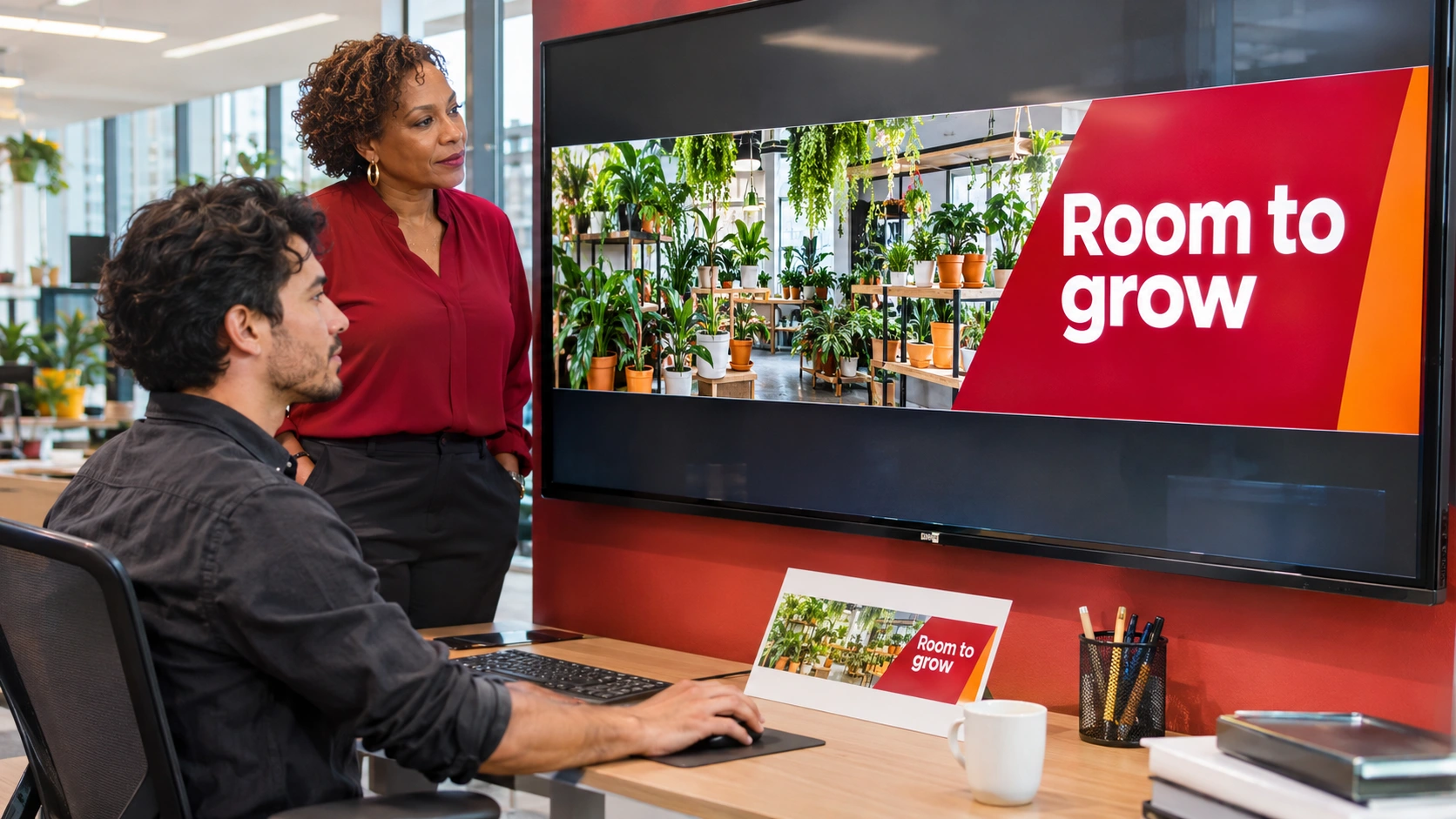
Choose one message your customer can read at a glance. We build the ad around the business name, image, offer, and next step you provide.
Use the placement to point to a relevant page, such as the service page customers should see after reading about your tune-up. Agree on the destination during setup.
The paid retail ad includes the Communication Center. During onboarding, SurfLocal can connect the new campaign to the client account you already use.
A homeowner sees “Get your AC ready for summer” and opens your linked tune-up page.
On the linked page, they read what the service includes and use the configured inquiry form to ask about availability.
If that form is connected to your client workspace, your team can open the inquiry in the relevant lead tool and reply or take the next action your business uses.
Choose the offer and review the build fee and monthly charge at checkout.
After payment, the success page is where you start onboarding. Have your service details, service area, and approved materials handy.
Tell SurfLocal if you already have a client ID. During setup, agree on where the ads point and where inquiries from each connected campaign should go.
Open the leads attached to your setup and use the follow-up tools included with your account.
Bring your business details, one service or offer to promote, any approved images, and the page you want customers to open.
Yes. Give each ad its own message or destination and tell SurfLocal which existing client account to connect during onboarding.
The Billboard Ad earns the first click. The destination carries the details or collects the response. The page or form used in this example is selected during setup.
Start with this offer and build on it as your business grows.